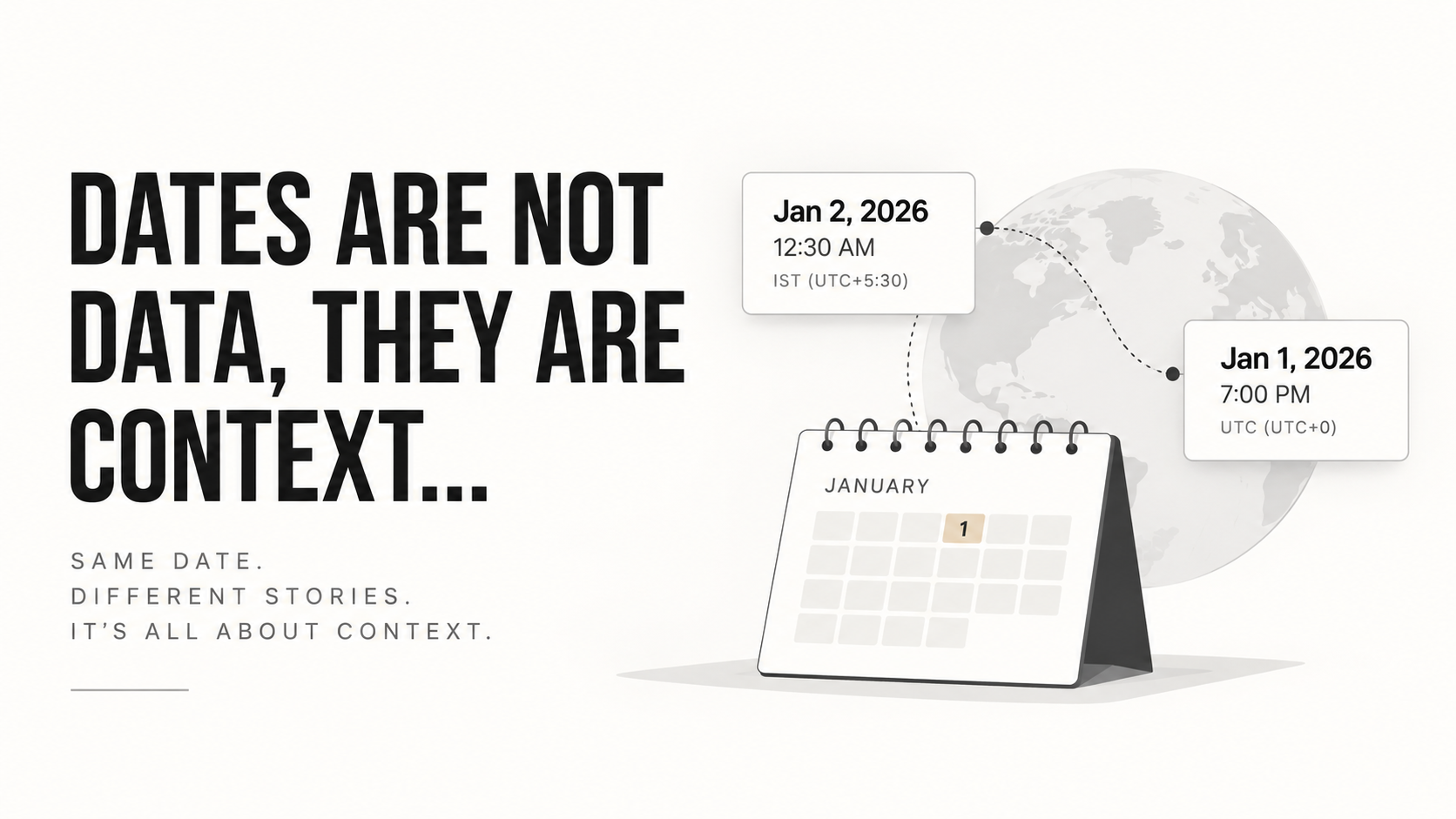
I guess in software development, dates are the most misunderstood concept. For some people, it is just another data field, and for others, it is far more than that.
According to my point of view, dates are context for a particular data.
I will better explain this with an incident.
In the beginning of my journey, I never thought about dates in depth. I treated them as second-class citizens, which didn’t require my attention. I assumed dealing with other data types was more important than this, especially when it came to query optimization and getting fast API responses.
Then I learned that a query can be perfectly optimized and still return the wrong data.
The incident
This small incident happened while I was working with a bill data model.
The model contained billing information along with a createdAt field, which represented when the bill was created.
I was storing createdAt as a proper date object, and the date was always generated at the backend.
At that time, I didn’t even know much about the concept of UTC. I just knew that the backend was generating the date and MongoDB was storing it.
And everything worked smoothly.
Queries were working perfectly.
Until one day, I got a report:
“The report is showing bills from the previous day.”
Strange.
The query was working.
The database had the data.
There were no obvious issues with the filters.
So I started debugging.
And eventually, I found the problem.
It was a timezone issue.
The query looked completely innocent
The frontend was sending something like this:
const query = {
  type: "OPD",
  startDate: "2026-01-01",
  endDate: "2026-01-31",
};
At first glance, there is nothing wrong here.
We have a start date and an end date.
But there is one important piece of information missing:
What timezone do these dates belong to?
The backend was converting these strings directly into JavaScript Date objects:
const start = new Date(query.startDate);
const end = new Date(query.endDate);
And this is where things started becoming interesting.
The user was querying the report from India, so naturally, they expected the report to be based on Indian Standard Time (IST).
But the database was storing timestamps in UTC.
These are not contradictory.
UTC is actually a very good way to store timestamps.
The problem was that we were taking a calendar date from one timezone and interpreting it without properly defining its timezone context.
A date is not always a timestamp
This was the important distinction I learned.
There is a difference between:
2026-01-01and:
2026-01-01T00:00:00+05:30The first one is just a calendar date.
The second one represents a specific moment in time.
If someone says:
“Show me all bills created on January 1st.”
That statement is incomplete.
January 1st where?
January 1st in India?
January 1st in New York?
January 1st in London?
The calendar date is the same, but the actual range of timestamps is different.
This is what I mean when I say:
Dates are context.
Where the previous day’s bill came from
Suppose a bill was created at:
January 2, 2026, 12:30 AM ISTIn UTC, that same moment is:
January 1, 2026, 7:00 PM UTCBecause IST is UTC+05:30.
So the bill is created on January 2nd according to the user, but its UTC representation belongs to January 1st.
Nothing is wrong with the stored value.
The timestamp is correct.
The problem happens when we forget what the timestamp means.
If I simply look at:
2026-01-01T19:00:00ZI might say:
“This bill was created on January 1st.”
But a user sitting in India would look at the same timestamp and say:
“No, this bill was created on January 2nd.”
Both are correct.
The timestamp didn’t change.
The context changed.
The real problem was the date range
The bigger issue became obvious when I thought about what the query actually meant.
If an Indian user asks:
January 1 → January 31they don’t mean:
January 1 00:00 UTC
       ↓
January 31 00:00 UTC
They mean:
January 1 00:00 IST
       ↓
February 1 00:00 IST
And when converted to UTC, that becomes approximately:
December 31 18:30 UTC
       ↓
January 31 18:30 UTC
So the query boundaries need to be calculated according to the timezone in which the user understands the date.
The database can still store everything in UTC.
The important thing is that the interpretation happens in the correct context.
The end date problem
There was another subtle issue hiding here.
Consider:
const start = new Date("2026-01-01");
const end = new Date("2026-01-31");
What does end actually represent?
If our intention is:
“Give me everything that happened during January 31st.”
Then an end boundary of midnight at the beginning of January 31st is wrong.
We would accidentally exclude almost the entire day.
A much safer mental model is to treat date ranges as:
[start, end)Meaning:
>= start
< end
So instead of:
January 1 00:00
to
January 31 23:59:59
we can define:
January 1 00:00
to
February 1 00:00
Then query:
{
  createdAt: {
    $gte: start,
    $lt: end
  }
}
This also avoids problems around milliseconds.
What I changed after this incident
I started separating three different concepts in my head:
1. Calendar date
Something like:
2026-01-31This doesn’t necessarily represent a specific moment.
It is useful for things like:
- birthdays
- holidays
- due dates
- appointment dates
- business days
2. Timestamp
Something like:
2026-01-31T18:30:00ZThis represents a specific point in time.
Useful for:
createdAtupdatedAt- logs
- events
- transactions
- audit records
3. Local date/time
Something like:
January 31, 2026, 12:00 AM ISTThis combines a calendar date, a clock time, and a timezone context.
This is where most of the complexity lives.
UTC didn’t cause the problem
This is probably the most important thing I learned from this incident.
My first instinct was to think:
“UTC is causing the problem.”
It wasn’t.
UTC was doing exactly what it was supposed to do.
The database had a perfectly valid timestamp.
The mistake was treating a user’s local calendar date as if it were already an absolute timestamp.
UTC is excellent for storing moments in time.
But when a user says:
“Show me everything from January 1 to January 31.”
the system needs to understand which timezone defines those days before converting those boundaries into UTC.
So the actual flow should look something like:
User's date
     ↓
Timezone context
     ↓
Local start/end boundary
     ↓
Convert to UTC
     ↓
Query database
     ↓
Convert timestamps back to user's timezone
     ↓
Display
The database doesn’t need to understand what “January 31st in India” means.
The application needs to understand it.
The lesson
Before this incident, I used to think about dates as just another field in a database.
Now I think about them differently.
A date without context can be ambiguous.
A timestamp tells us when something happened.
A calendar date tells us which day someone is talking about.
And a timezone tells us how that day should be interpreted.
This becomes especially important when building systems that deal with:
- reports
- billing
- appointments
- subscriptions
- payments
- analytics
- scheduled jobs
- attendance
- bookings
- anything involving “today”, “yesterday”, “this month”, or “last week”
The database might be perfectly correct.
The API might return a perfectly valid response.
The query might even be perfectly optimized.
And still, the user can get the wrong result.
Because sometimes the bug isn’t in the data.
The bug is in the context we gave the data.
That’s why I no longer think of dates as just data.
Dates are context.
— Nikhil Gautam